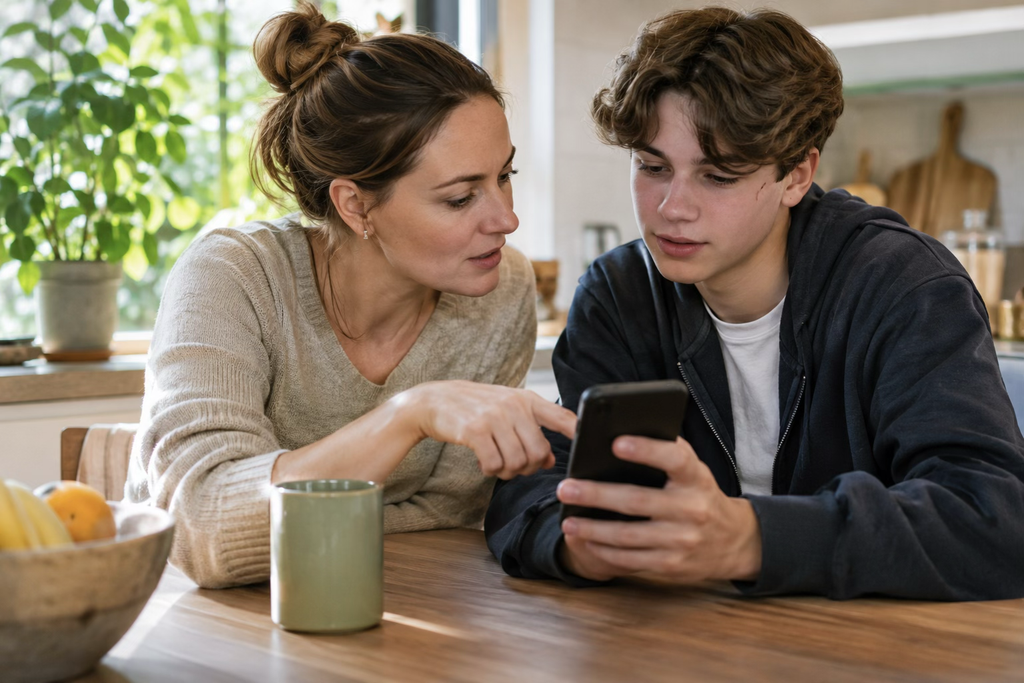
Your child spends five hours on their phone every day. Should you worry? Not necessarily. Watching educational videos is different from receiving suspicious messages or talking to strangers late at night. Screen time statistics don’t tell the whole story. Parents need to understand what happens during those hours. The uMobix phone monitoring app helps by providing information about communication, browsing habits, app activity, and location.
Why a screen time app doesn’t show the full picture
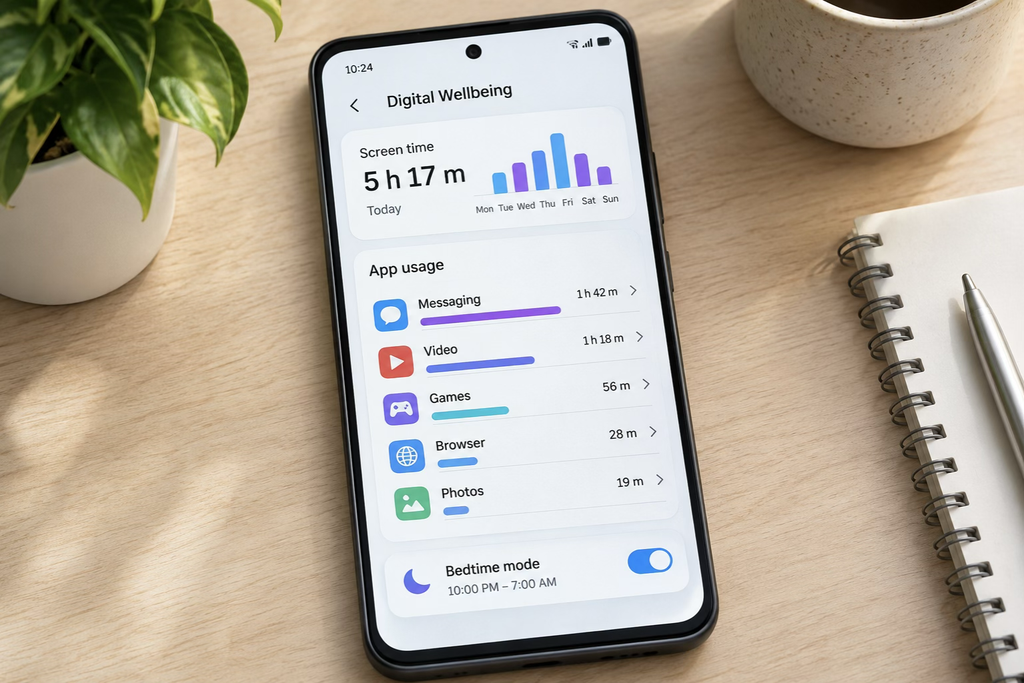
Most smartphones include tools that display daily usage, frequently opened apps, and time spent on individual activities. These numbers are useful, but they don’t explain everything. Imagine two teenagers who spend three hours on social media daily. One watches videos and talks with classmates. The other receives persistent messages from unfamiliar contacts. Their usage reports look similar, but the potential risks are different.
Parents should consider four factors:
- Activity: Which applications and websites does the child use?
- Communication: Who contacts them, and how frequently?
- Timing: Does phone activity interfere with sleep or schoolwork?
- Changes: Have their digital habits suddenly shifted?
A parental control app provides more context than screen time statistics alone, helping parents recognize patterns that may need attention.
Five digital warning signs parents should monitor
Not every unusual activity indicates danger. However, repeated patterns can reveal problems that basic usage reports miss.
1. Frequent communication with unknown contacts
Children regularly meet new people through games, social networks, and group chats. Most interactions are harmless, but certain behaviors deserve attention.
Watch for:
- Repeated calls from unfamiliar numbers.
- Messages requesting personal information or photos.
- Conversations involving threats or pressure.
- Persistent contact after a child stops responding.
A sudden increase in communication may justify a conversation, particularly if the child also seems anxious or withdrawn.
Parent tip: Explain why passwords, home addresses, and sensitive images should never be shared with unfamiliar contacts.
2. Regular late-night phone activity
One late-night conversation isn’t necessarily concerning. Repeated messaging or gaming after bedtime can affect sleep and concentration. Look beyond total usage and check when activity occurs.
| Digital signal | Possible concern |
| Messaging after midnight | Interrupted sleep |
| Frequent nighttime gaming | Difficulty disconnecting |
| Constant notifications | Pressure to respond |
| Heavy usage during homework | Reduced concentration |
A screen time app can identify excessive usage. Detailed monitoring helps parents understand which activities contribute to the problem.
3. Visits to suspicious websites
Children can encounter harmful websites through social media, advertisements, or search results. Pay particular attention to repeated visits involving:
- Suspicious downloads or unfamiliar links.
- Requests for passwords or personal information.
- Age-inappropriate material.
- Potential scams and fraudulent offers.
Browser history provides useful context, although visiting a website doesn’t automatically mean a child interacted with its content. Discuss suspicious websites before introducing restrictions.
4. Unexpected location changes
Children sometimes change plans without informing their parents. They might visit friends after school or take a different route home. Location information becomes useful when:
- A child hasn’t arrived at an expected destination.
- Their usual route changes unexpectedly.
- They need assistance finding their way.
- Parents cannot reach them during an agreed check-in.
Remember that GPS readings aren’t always precise. Verify unusual locations before assuming something is wrong.
5. Sudden changes in app usage
A teenager who rarely used messaging apps may suddenly spend hours on one platform. Another child might repeatedly install unfamiliar applications. These changes aren’t automatically dangerous. However, they deserve attention when accompanied by missed homework, sleep problems, unwanted communication, or other behavioral changes.
The key is consistency: One unusual day matters less than a pattern developing over several weeks.
How the uMobix phone monitoring app helps parents
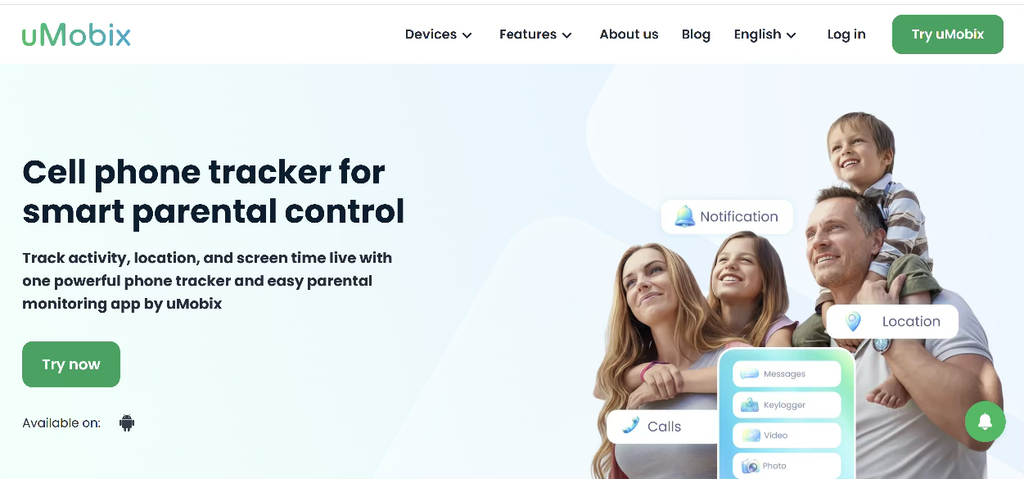
Basic parental control tools primarily focus on managing usage limits. uMobix offers broader visibility by combining several monitoring functions in one dashboard. As a parental control app for Android, uMobix helps parents review supported device activity and manage selected restrictions.
| uMobix feature | What parents can monitor |
| Call history | Incoming, outgoing, and missed calls |
| SMS monitoring | Text messages and communication patterns |
| Social media monitoring | Activity across supported platforms |
| Browser history | Websites visited on the device |
| GPS tracking | Location information |
| App activity | Applications used on the phone |
| Remote controls | Supported app and website restrictions |
For example, imagine your child starts receiving repeated calls from an unfamiliar number. Instead of relying on assumptions, parents can review available call records and identify communication patterns. If distracting applications interfere with homework, supported controls can help manage access. uMobix brings these capabilities together, reducing the need to check multiple separate tools.
How to get started with umobix
Setting up uMobix involves four main steps:
- Create an account on the official website.
- Choose a subscription for your monitoring needs.
- Follow the setup instructions on a compatible Android device, including required permissions.
- Access the dashboard to review activity and configure supported controls.
Available monitoring features depend on device compatibility and configuration.
Parental control app for android vs. basic screen time tools
Built-in Android tools can help manage device usage, but they generally provide less information about communications. Here’s how they compare with uMobix.
| Feature | Basic screen time tools | uMobix |
| View app usage | Yes | Yes |
| Review call history | Usually unavailable | Yes |
| Monitor SMS messages | Usually unavailable | Yes |
| Review browsing activity | Limited | Yes |
| GPS information | Varies | Yes |
| App restrictions | Often available | Supported |
Basic tools work for setting daily limits. However, they may not provide enough context when parents are concerned about unfamiliar contacts or specific online activities. uMobix combines communication monitoring, browsing information, and device management, offering a more comprehensive approach.
What should parents do after finding a warning sign?
Discovering unusual activity doesn’t always require immediate restrictions. The next step should depend on the seriousness of the situation.
1. Check the pattern. Determine whether the activity happened once or repeatedly. A single unfamiliar call is different from persistent unwanted contact.
2. Evaluate the risk. Threatening messages and requests for sensitive information require more urgent attention than excessive gaming.
3. Start a conversation. Ask specific questions without making accusations. Children may provide important context that monitoring data cannot reveal.
4. Adjust the relevant boundary. Restrict distracting applications during homework, establish bedtime rules, or review online contact safety.
Monitoring works best when parents use information to make practical decisions rather than treating every unusual activity as suspicious.
Verdict: Focus on digital patterns, not just numbers
High screen time doesn’t automatically indicate danger. Unfamiliar contacts, nighttime messaging, suspicious websites, and unexpected changes in activity offer more meaningful signals. A basic screen time app can help manage usage, but it doesn’t provide the same level of detail about digital behavior. The uMobix phone monitoring app combines call records, messaging activity, browsing information, GPS tracking, and Android controls in one dashboard.
For families seeking a comprehensive parental control app, uMobix provides practical tools for identifying potential risks and managing children’s digital activity.