A few years ago, starting an online store meant renting warehouse space, sinking cash into inventory you hoped would sell, and figuring out shipping logistics on your own. Print-on-demand changed that math completely. Now you can launch a store, upload some designs, and let a supplier handle the printing and shipping, all without ever touching the product yourself. Pair that with Shopify, and you’ve got one of the lowest-risk ways to build a real online business today.
Here’s what you actually need to know before you dive in.
Table of contents
So what is print-on-demand, really?
The idea is simple: nothing gets made until someone buys it. You upload a design, a customer orders a customized shirt, and only then does your supplier print, package, and ship it out. You never hold inventory, never guess how many units you’ll need, and never end up with boxes of unsold t-shirts in your garage.
That’s the whole appeal, honestly. You get to focus on the fun part: design, branding, figuring out who you’re selling to, while someone else deals with ink, fabric, and postage.
Why so many people choose Shopify for this
You could technically run a POD business on other platforms, but Shopify has become the default for a reason.
The app ecosystem is the big one. Dozens of print-on-demand apps plug directly into Shopify, so when someone buys your product, the order gets sent to your supplier automatically, you don’t have to lift a finger. It also scales well; a store doing ten sales a month and one doing ten thousand run on the same backbone without breaking a sweat. And unlike some dropshipping setups that scream “generic template,” Shopify gives you enough control over design and branding that your store can actually feel like your store.
Payments are sorted too (Shopify Payments, PayPal, Stripe, whatever you prefer), so you’re not stuck wiring up a checkout system from scratch.
What actually sells
Before you start designing, it’s worth knowing where the demand already is:
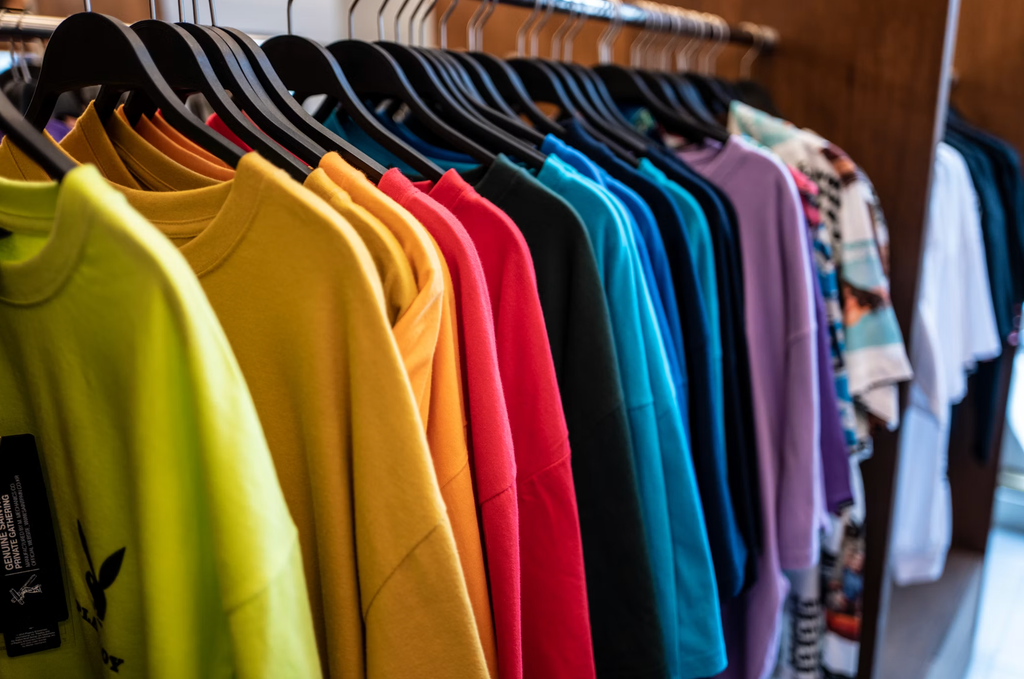
Apparel is still king: t-shirts, hoodies, leggings, tanks. After that, accessories like phone cases, tote bags, and hats do well, along with home goods: mugs, pillows, blankets, wall art. Stationery such as personalized notebooks, planners, cards has a loyal following, and pet products (bandanas, bowls, beds with a custom print) are having a real moment.
But here’s the thing nobody tells beginners enough: picking the category matters less than picking the audience. A store trying to sell “cool t-shirts” to everyone will struggle. A store selling t-shirts to disc golf enthusiasts, or crested gecko owners, or third-shift nurses, has a much easier time standing out. Niche down. It feels counterintuitive, but it works.
Getting your store up and running
Start with a Shopify account
Sign up, pick a plan (most people start on Basic and upgrade once sales pick up), and take advantage of the free trial to get your store built before you’re paying for it.
Pick your POD partner
This decision shapes almost everything else, so don’t rush it. A few names come up again and again:
Printful tends to be the go-to for print quality and a wide catalog. Printify works with multiple print providers, which usually means cheaper prices and more product options to choose from. Gooten has fulfillment centers scattered globally, which helps if you’re selling internationally and want shorter shipping windows. SPOD is worth a look if turnaround speed is your priority.
Most of these have free Shopify app installs with paid tiers for extras like better mockups or faster support, with no need to commit to a premium plan on day one.

Actually design the products
You don’t need a design degree for this. Canva gets a lot of people surprisingly far, and if you’re more advanced, Illustrator works well too. Most POD apps also throw in mockup generators so you can see your design on a real product before it goes live.
A few things worth keeping in mind: use high-resolution files (300 DPI is the standard for print, and anything lower tends to look fuzzy once it’s on fabric), think about what your specific audience actually likes rather than what you personally find cool, and, this one’s important, stay away from copyrighted logos or characters unless you have explicit rights to use them. It’s not worth the legal headache.
Build out your listings
Once designs are ready, upload them and let your app generate product mockups. Then write descriptions that actually sell, talking about how the product looks and feels and who it’s for, not just a dry list of specs. Good photos matter more than people expect; a crisp mockup can be the difference between a click and a scroll-past.
Price it so you actually make money
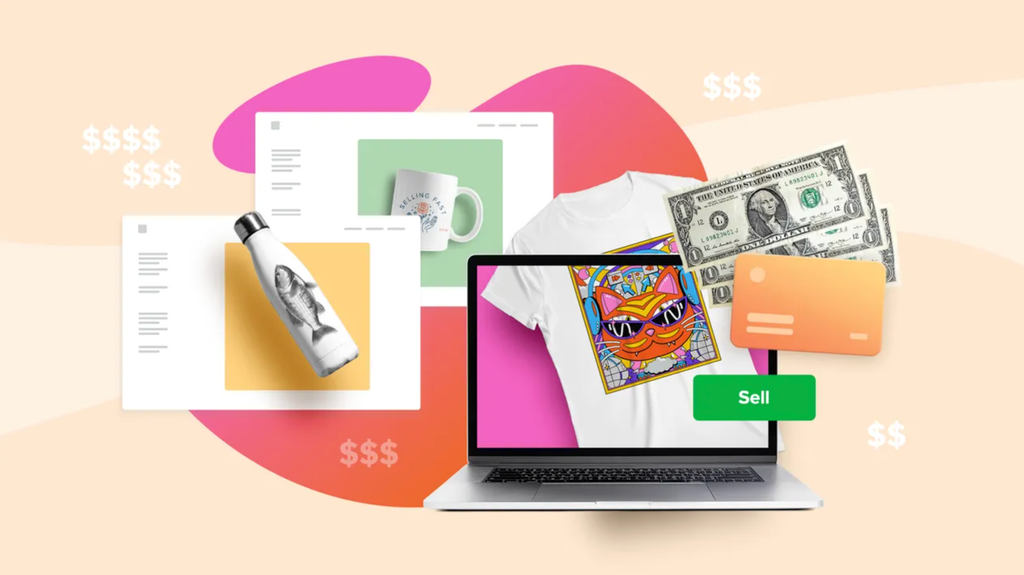
This part trips a lot of beginners up. Your price needs to cover what the supplier charges you, Shopify’s transaction fees, whatever you’re spending on ads, and still leave you a real margin, as most sellers land somewhere around 30–40% profit after everything’s accounted for. Glance at what competitors charge for similar products, but don’t just copy them blindly; your costs might be different.
Make the storefront feel like yours
Pick a theme that matches your brand’s vibe rather than whatever’s free and first in the list. Keep navigation simple, make sure it looks good on a phone (because most of your visitors will be on one), and don’t let the page take forever to load, as people bail fast if it does.
Get people to actually see it
A beautiful store with no visitors doesn’t make money. Instagram and TikTok tend to work well for visual products since people can literally see the design before they click. Partnering with smaller, niche-relevant influencers often beats chasing big names, as their audiences trust them more, and it costs less. Paid ads on Facebook or Google can speed things up once you understand who’s actually buying from you. And don’t sleep on email: starting a list from day one means you’re not starting from zero every time you want to announce a new design.
The honest pros and cons
On the plus side: you’re not risking much money upfront, you can test ten different niches without financial pain, and there’s zero warehousing to worry about.
On the flip side: margins are tighter than if you manufactured in bulk yourself, you don’t have full control over quality or how fast things ship, and popular niches can get crowded fast. It’s not a get-rich-quick setup. It’s a low-risk way to build something real, if you put in the work.
A few things that actually move the needle
Order your own products before customers do. Seriously, you want to know what you’re selling looks and feels like in person, not just on a screen. Build an actual brand instead of just slapping designs on blank products; people remember stores with a point of view. Expect some customer service questions about shipping times, since POD orders take longer than same-day Amazon delivery, and handle those patiently. And keep testing: track which designs sell and which flop, then lean into what’s working.
Bottom line
Print-on-demand on Shopify won’t make you rich by next Tuesday, but it’s one of the most realistic ways to start a genuine online business without gambling your savings on inventory. Pick a niche you actually understand, make designs people want to wear or use, price yourself fairly, and market consistently, as the rest tends to follow.
If you’re on the fence about starting, that’s usually a sign to just try it. The barrier to entry has never been lower.